
Our scheme demonstration pages show how effective a single page website can be and show you the main sections our customers can choose to have on their website.
Our entry-level start-up plan allows for 5 sections but this can always be expanded as your business and website grows!
The above menu is fully functional – use it to hop to sections in this design scheme.
All our design schemes can also be used for multi-page websites.
Introduction Section
Introduce your business or organisation, your product, or yourself.
Mention all the key information about what you offer and how you can help. Maybe a potted history or what problem you are solving?
You can also include an image or graphic in this section, as well as a call to action (CTA) to signpost visitors where they need to go next.

Products & Services Section
Introduce your key products and services, you may want more than one of these sections, that’s fine – each one counts towards your total number of sections. StartUp plans allow for up to 5 sections or up to 10 sections.
This section can be 3 or 4 columns wide, here’s what 3 columns looks like, check out how they look on different devices too as our sites are completely responsive and will adjust to the size of the screen being used.
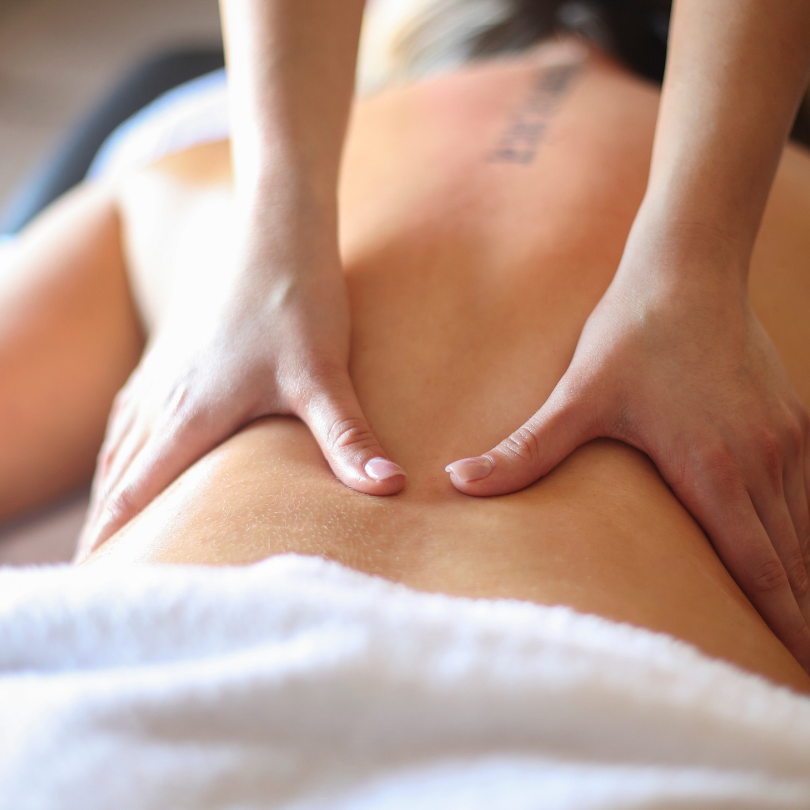
Product/Service
Write about a product or service here, include a picture or icon and optionally a button to read more in a featured section below.

Product/Service
Write about a product or service here, include a picture or icon and optionally a button to read more in a featured section below.

Product/Service
Write about a product or service here, include a picture or icon and optionally a button to read more in a featured section below.
Featured Section
Here you can get into more detail about a product or service. You can explain options, prices, bookings etc. Whatever you want to tell visitors about most can go here. Try to keep it concise and encourage potential customers to make an enquiry.
A ‘Contact us’ or ‘Book Now’ button can be added here if wanted.
This section can contain 2 columns of text, or one of text and one of an image. Use an image to show more detail about the featured product or service being described here.

Contact Section
Use this section to provide visitors with your contact details. These can include:
Social Media links as above
Your Address
Your telephone number
Your email address
A map
Your What3words address
A contact form can be added and counts as its own section as below
Contact Form
Integration Section
Add an integration for a booking system or email marketing platform.
If you’re already using a booking system or email marketing platform we can integrate it in an Integration Section like this.
If you don’t have these systems already, we can help you get them set up with free accounts from providers such as SimplyBook, MailerLite and Mailchimp.
Systems for bookings can usually be either embedded to show your calendar right on the page or by linking with a button like this one – give it a go. Whilst you are there you could book a free chat about a new website with us!

Flow Scheme also works well in these colour options
Flow scheme is available in these colour options as standard. Custom and Logo Match Colours will be a small additional cost. Some colours will have dark text, others light as appropriate.
Flow Lilac
Flow Pink
Flow Jeans
Flow Coffee
Flow Timeless
Flow Sage
Reviews Section
Add reviews you’ve received from your customers. This can be done manually or sign up for our reviews service to automatically collect and publish them from your socials and Google.
Publishing genuine customer reviews on your website is a fantastic way to evidence the quality of your products and services to new potential customers. This is one element of what we call ‘Social Proof’
